

Can I Buy a PACS System With Built-in Disaster Recovery?
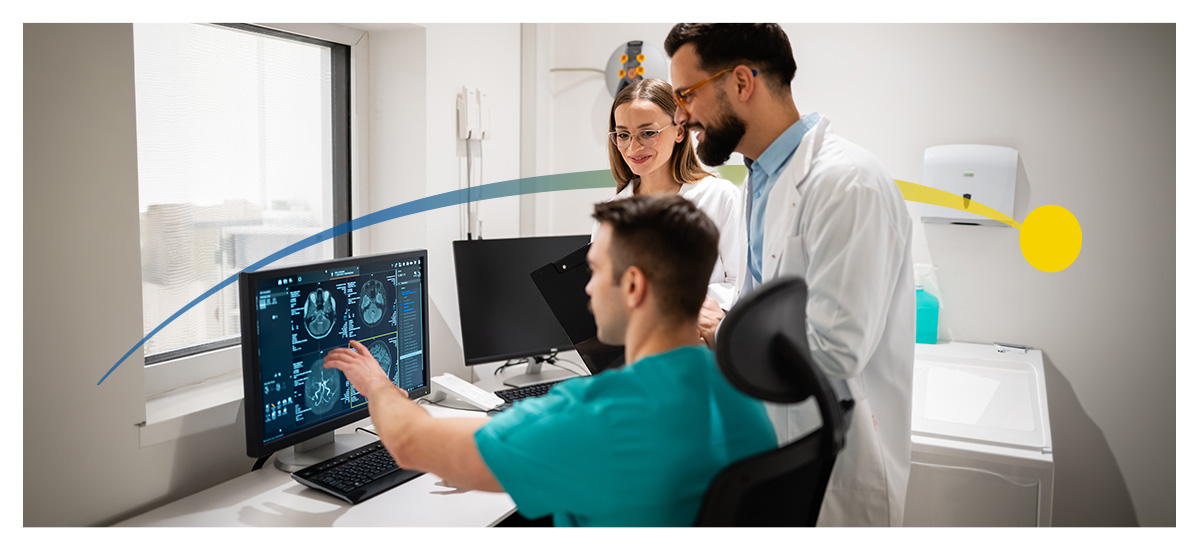
Yes, you can buy a Picture Archiving and Communication System (PACS) with built-in disaster recovery capabilities. These systems can combine medical image storage and viewing with tools for backup, secondary storage and restoration that can be configured to match your facility's specific needs. Capabilities vary, so before you choose the PACS system, you should assess what the system protects, where it stores backup copies and how the recovery process helps your clinic's workflow stay up and running.
How Does Disaster Recovery Work in a Modern PACS System?
Disaster recovery in a modern PACS system works by copying the medical imaging data and essential system information to a secure secondary storage location. If any information becomes unavailable in the main system, your chosen administrators can find the protected data in the other storage space and restore it through the PACS system.
In ImageGrid™ PACS products, your administrator will enable the licensed Backup Service and create policies that lay out which studies and files the system will protect. The PACS then copies that information to the secondary storage destination you chose in accordance with those policies. As new images and data come in, they're added to the secondary storage location on a schedule selected up front by the administrator.
If an interruption happens, your administrator can search the backup catalog, find the studies they need and start restoring them to the PACS so your team's work isn't halted for too long.
How is Disaster Recovery Different From PACS Backup?
A backup preserves a separate copy of the medical imaging data, while disaster recovery defines how your organization restores that information and gets back to operations after there's been a disruption.
Backups are an important part of disaster recovery, but they're not the full strategy. A backup can protect patient studies, but there still need to be specifications on how they're retrieved and how quickly they can be restored to the PACS and made available to radiologists.
What Should I Look for in a PACS Disaster Recovery Solution?
A PACS disaster recovery solution should provide data protection, secure secondary storage and practical restoration tools. ImageGrid and ASTRA Cloud services give you these capabilities through an integrated environment, although the availability of specific features depends on licensing and configuration. Features you should look for include:
- Configurable backup policies: Your administrators should be able to choose which system files to protect and how to recover them.
- Flexible storage destinations: Secondary storage and cloud backup and retrieval capabilities give you peace of mind that your images are secure.
- Adjustable backup timing: The ability to control when backup starts after a study arrives and to restrict backup activity when necessary.
- Selective study restoration: It should be easy to search the backup catalog and restore chosen studies to the PACS.
- Customizable retention: Administrators can set adjustable expiration settings for backups and shared objects.
- Strong data security: Your chosen system should support encrypted cloud data and transmission, as well as controlled system access.
- Scalable storage capacity: Choose storage that can expand as your imaging volume grows over the years.
- Healthcare system integration: Compatibility with your existing systems is a must for secure storage.
- Failover capability: Some systems can support failover to a replica PACS server after the main server fails.
- Technical support: Your provider should offer documentation, training, support and ongoing updates.
Can PACS Disaster Recovery Support HIPAA Compliance?
Yes, a PACS disaster recovery solution can support Health Insurance Portability and Accountability Act (HIPAA) compliance by protecting electronic health information and helping you restore information after an interruption. But technology is just one part of staying compliant. You also need appropriate policies, access controls, risk assessments, contingency procedures and staff training.
Your facility should keep backup copies in a completely separate place and test your backup and restoration procedures regularly to make sure that your studies remain complete and recoverable.
Is an Integrated Solution Better Than a Third-Party Solution?
An integrated disaster recovery solution can make administration easier by placing your backup policies, storage settings and restoration tools all within the PACS interface. In ImageGrid products, your administrator can customize your facility's backup services, review backup worklists, search for stored study records and initiate restoration, all through the same system. A connected workflow may reduce the complexity of managing various unrelated backup tools.
A third-party solution might still work best for a facility with specialized requirements. The right choice depends on compatibility, recovery performance, available internal resources and total ownership costs.
Strengthen PACS Continuity With Candelis
Candelis combines ImageGrid PACS products with configurable backup and ASTRA Cloud backup, archiving and recovery capabilities. Once licensed and enabled, your Backup Service can protect DICOM studies, attachments and internal database information in your chosen secondary storage location.
Your administrators can manage backup policies and restore the studies they need through the ImageGrid interface. Book a free demo or contact Candelis to explore a scalable medical imaging solution that's designed to support data protection, efficient recovery and dependable patient care.
- Log in to post comments
